Quality assurance in CTCAE grading has always required showing your work. This week we shipped the infrastructure: blind grading sessions, designated grader roles, and grade definitions one click from every grading form.
The grading quality program, made native to the platform
Quality assurance in CTCAE grading has always required the team to show its work. Auditors and sponsors expect a documented process for assessing whether independent raters agree, and they expect that process to produce statistics, not anecdotes. The conventional path to that process is paperwork: spreadsheets to track who graded what, manual coordination to keep raters blinded, statistics calculated outside the platform.
This week we shipped the infrastructure to run that program inside the platform. Blind grading sessions with bulk case seeding and assignment. Designated grader roles with the right permissions. Grade definitions one click from every grading form for the boundary calls. The intent is that the quality program no longer needs a parallel set of tools to operate.
Here is what shipped, why it matters, and what is next.
Feature Highlight 1: Blind grading infrastructure
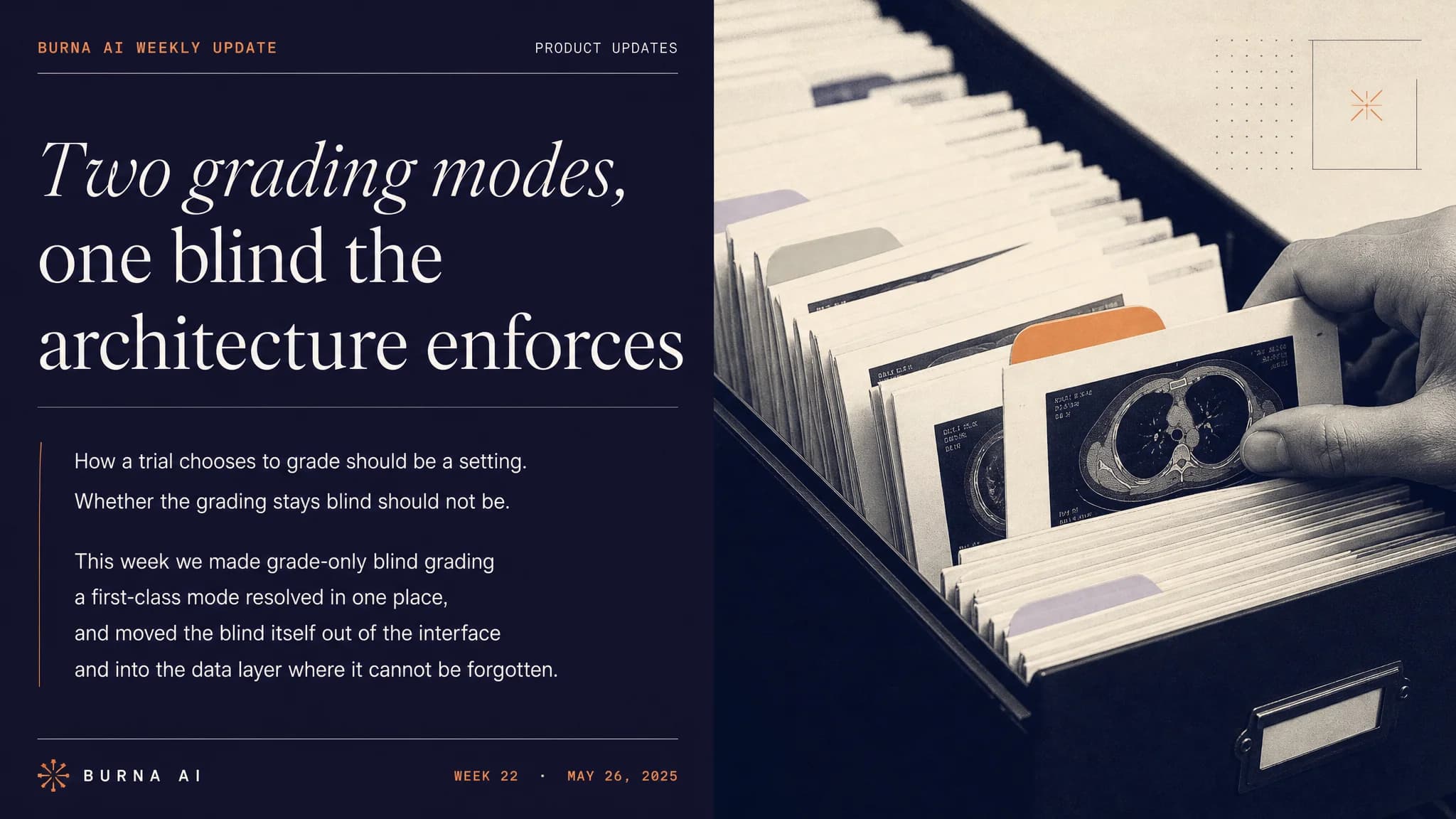
Coordinators can seed an organization with a standardized set of test cases (fifteen clinically realistic adverse event scenarios spanning cytokine release syndrome, neutropenia, colitis, neuropathy, mucositis, and others). Assign graders through a bulk-assignment sidebar. Each grader sees only the clinical note and the grading criteria. They do not see other raters' grades. They do not see intermediate reasoning. They grade independently.
The point of blind grading is methodological: a quality program that depends on raters comparing notes is not a quality program. Blind grading is also what makes inter-rater agreement statistics meaningful. The platform now produces those statistics from the right kind of data.
Key capabilities in this release:
- Standardized AE scenarios for reproducible test-case generation
- Bulk case seeding of fifty cases per organization in one operation
- Dedicated blind-grading case management with a stats dashboard
- Read-only grading view that hides intermediate reasoning steps
- Expandable clinical note display with full-text search
Feature Highlight 2: Designated grader roles and bulk assignment
Routing cases to qualified raters previously required searching the full user list manually. Coordinators can now flag users as graders, filter to the grader pool instantly, and assign cases in batches of two to ten in a single operation.
Under the surface: a new field on the user profile with an index that makes the lookup fast, queries scoped to the active organization to keep data segregation tight, and case views that resolve rater names and emails at query time so the page does not need a follow-up round trip for each rater.
The downstream effect: coordinator time shifts away from administrative routing and toward clinical oversight, which is where the time should have been going all along.
Feature Highlight 3: Grade definitions one click from the grading form
During an adverse event review, the clinician can now click "Grade Definitions" on any term and see all five CTCAE v6.0 grade descriptors in a single dialog. The currently assigned grade is visually highlighted, so verifying the grade against the criteria takes seconds rather than a context switch into the reference PDF.
This is especially useful at the Grade 2 to Grade 3 boundary, where the difference between "limits instrumental activities of daily living" and "limits self-care activities of daily living" is exactly the kind of definitional call that determines whether the event triggers an additional regulatory cascade.
Improvements
Marketing surface
- Complete home page redesign with trust posture, comparison surfaces, and an explainer video
- Six new pages: about, FAQ, cookie policy, privacy policy, security and compliance, terms
- Full dark mode across the marketing surface
- Scroll-triggered header styling
Voice recording
- Error recovery with retry and manual fallback when voice-activity detection fails to initialize
- Recording state resets cleanly between patient sessions, preventing stale countdowns
- Underlying voice library upgraded for better stability on lower-end devices
Patient assignment
- Patient assignment is now part of the CTCAE grading workflow on both web and mobile
- Web: note submission is gated on patient assignment, with automatic progression to the grading step
- Mobile: a new dedicated patients screen with search, filtering, and inline editing
- Five-second countdown before voice recording with pause and resume
Bug fixes
- Encounter screen content now centers correctly on wide displays
- "Accepted" badge now shows the clinician's first name for clearer attribution
- Mobile patient form keyboard navigation flows smoothly between fields
- Bottom-sheet snap points behave predictably across device sizes
- Keyboard properly dismisses after a clipboard paste in the recording view
Looking Ahead
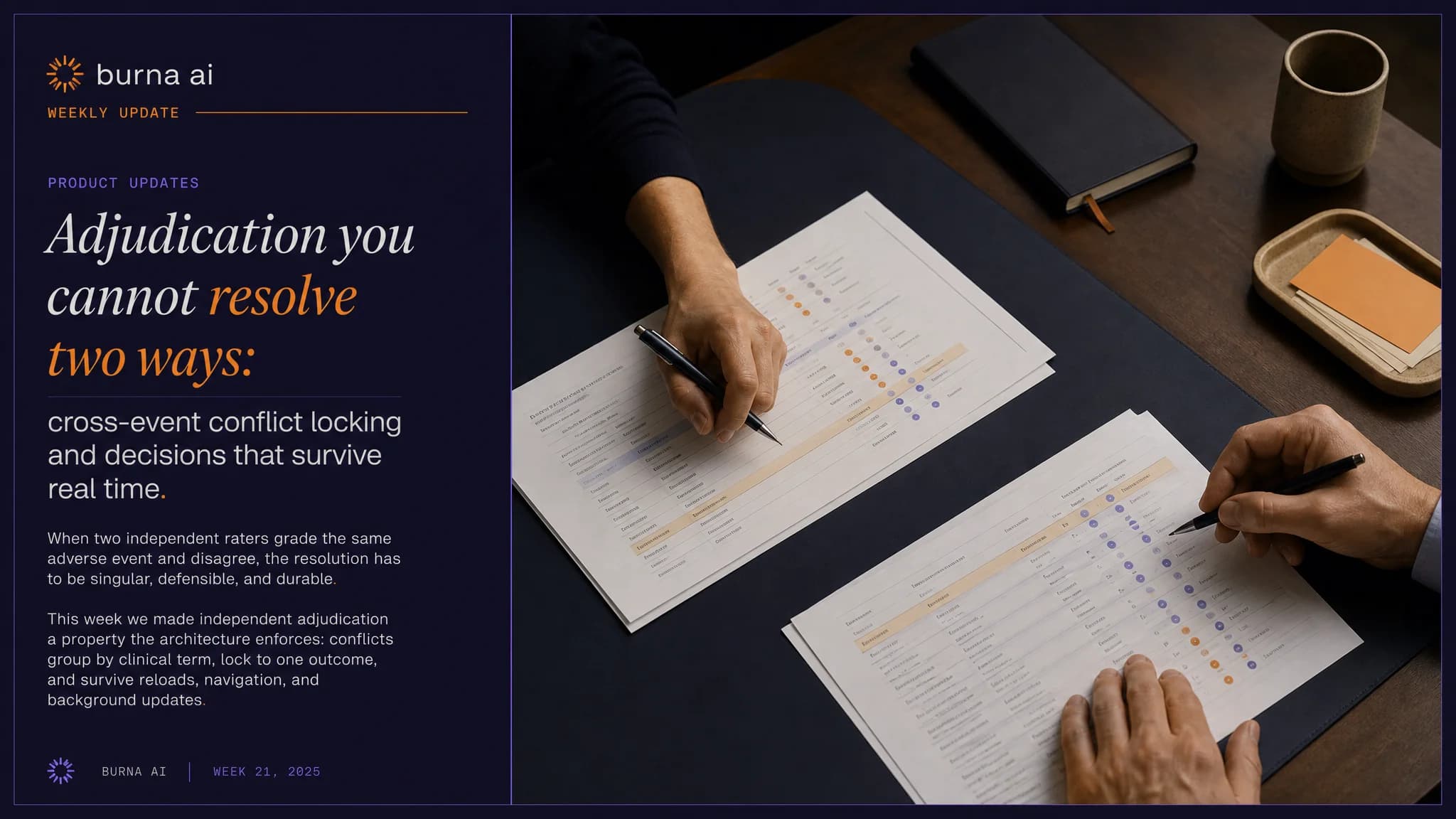
Next: adjudication workflows for when graders disagree, expanded agreement matrices for blind grading sessions, blind grading on the mobile provider app, and additional grade definition coverage as CTCAE v6.0 criteria expand.
More Friday updates at burna.ai/blog.