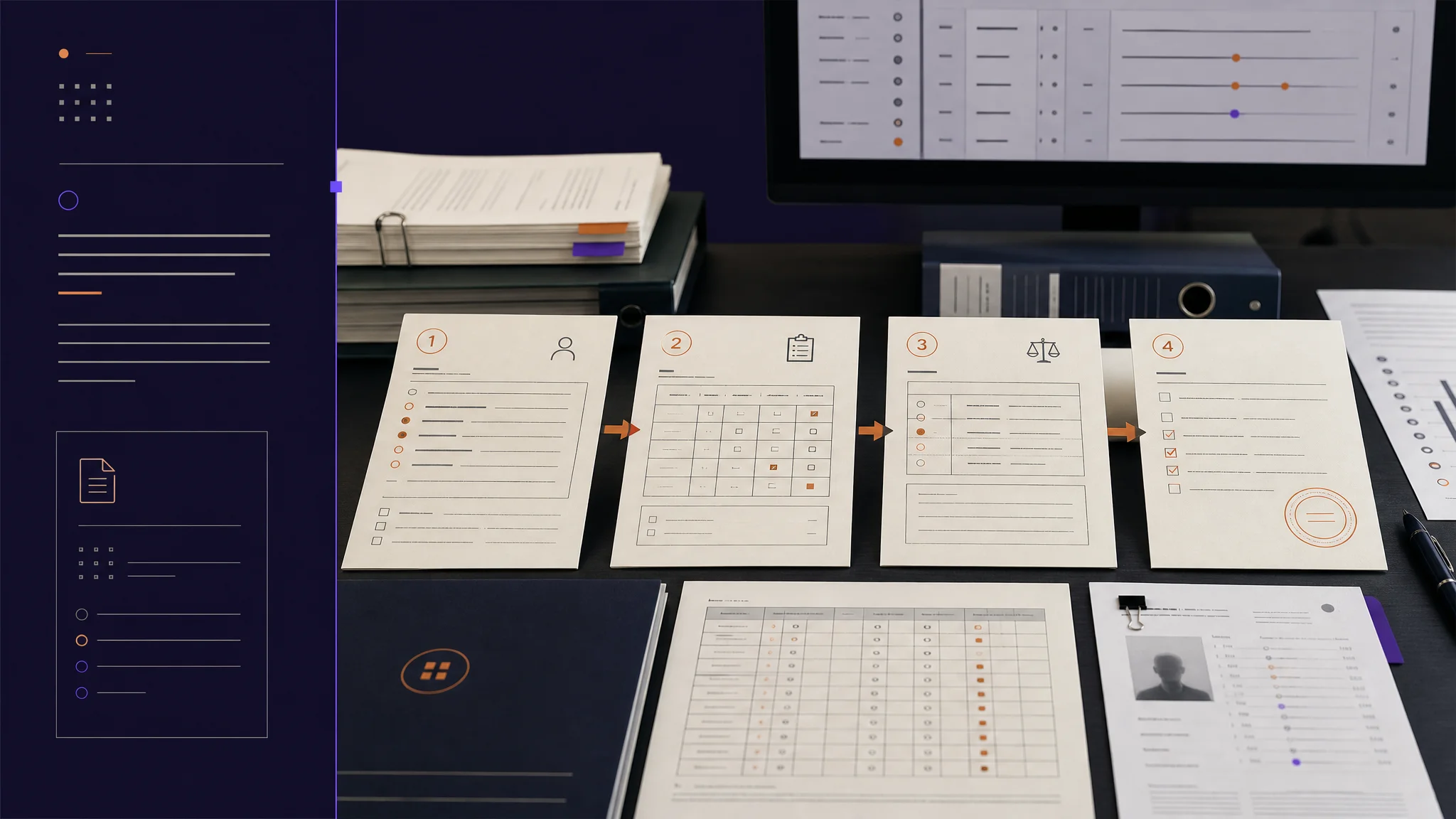
Oncology patients arrive with multiple adverse events per visit, not one. This week we changed the grading shape from one-event-per-page to a single composable session, and we brought the inter-rater statistics regulators ask for directly into the platform.
The grading session, restructured
Oncology patients on combination therapy arrive at a visit with multiple adverse events, not one. The conventional grading interface has the coordinator open one event, grade it, close it, open the next event, grade it, close it, and repeat across an entire roster. The flow is brittle to context loss. Worse, it pretends each event is independent when in fact the differential reasoning across events for the same patient is exactly what makes the grading defensible.
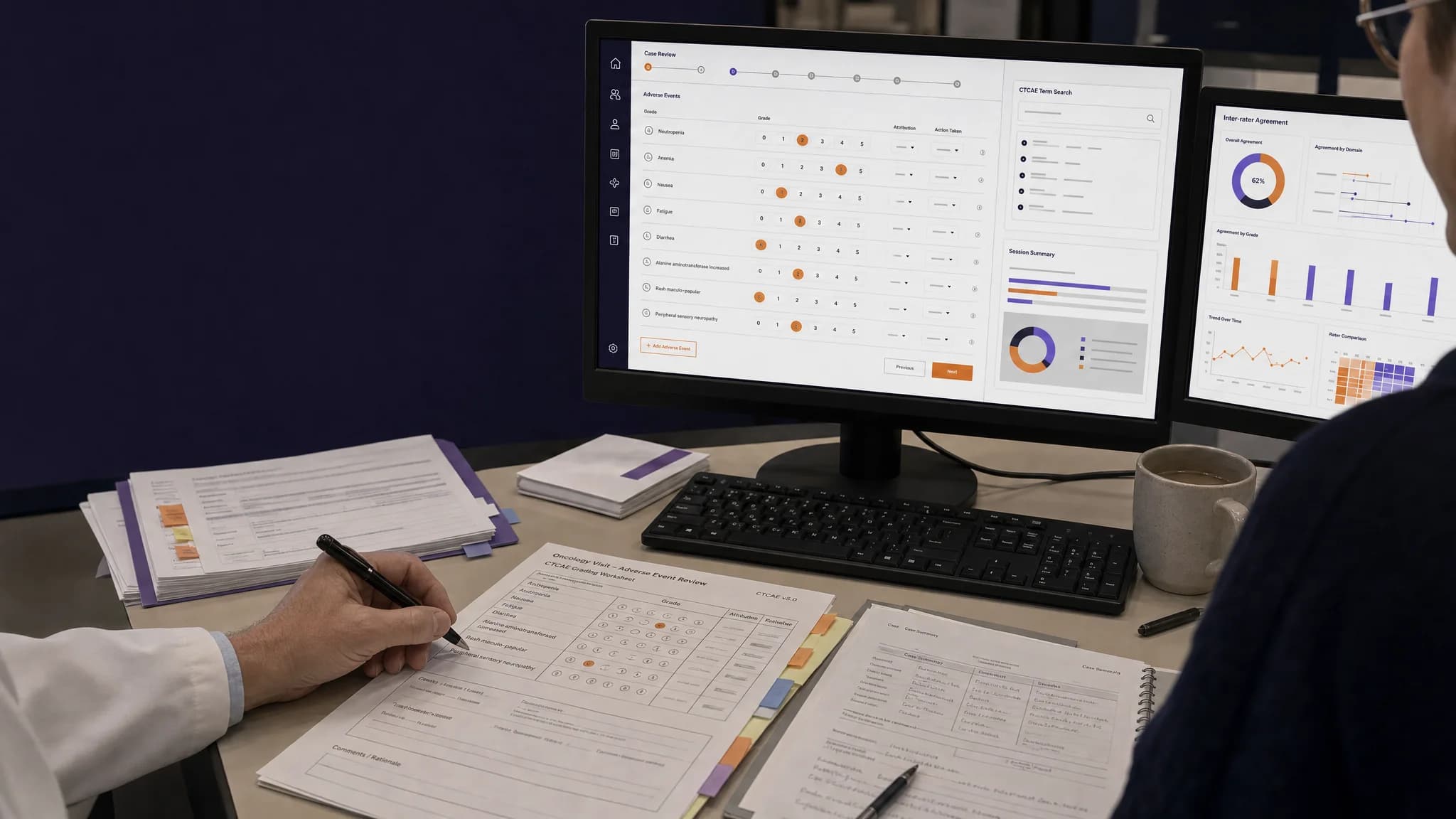
This week we restructured the grading session so that the coordinator can grade multiple adverse events for the same patient in a single composable view, with the AI suggestion for each event aware of the others. We also rebuilt the CTCAE term search so that finding a term is no longer a workflow step, and we brought the inter-rater statistics that regulators expect to see directly into the platform.
Here is what shipped, why it matters, and what is next.
Feature Highlight 1: Multi-event grading in a single session
The grading interface now opens to an accordion of one to ten adverse events for the patient. Each panel expands in place to show the clinical evidence, the AI suggestion with its confidence score, and the grading form. The coordinator can move between events without losing context on any of them.
The architectural commitment behind this matters more than the visual. The AI's suggestion for a given event takes the patient's other documented symptoms, the regimen, and the visit's clinical history as input. This is how an experienced clinician already reads the chart. The same finding has different meaning when paired with a different constellation of co-symptoms. The platform now reasons that way too.
Coordinators in early access reported completing full patient assessments materially faster with multi-event grading, without measurable change in grading agreement.
Feature Highlight 2: Instant CTCAE term search with ICD-10
The CTCAE term search now returns results in under two hundred milliseconds. Fast enough that suggestions appear as the coordinator types. Each result includes the ICD-10 code mapping, so the coordinator captures both the CTCAE grade and the medical coding in one step rather than two.
The query layer batches term lookups in parallel and uses a normalized drug-name dictionary so brand and generic names resolve to the same term. The result is consistent sub-second response across the full term set, regardless of how complex the search.
The downstream effect is small but compounds. Eliminating the search-and-toggle micro-workflow between grading and coding removes a class of typos that the audit trail had to absorb downstream.
Feature Highlight 3: Inter-rater agreement analytics inside the platform
Regulatory reviewers ask one question more than any other when looking at a sponsor's AE grading process: how do you know your team is grading consistently? Until this week, answering that question required exporting graded events into a statistics tool, running the analysis, and copying numbers back into a slide.
The new analytics dashboard generates the answer in the platform. The view covers agreement statistics by CTCAE term (so the team can see where calibration is tight and where it drifts), classification metrics for Grade 3-and-above detection, a confidence-calibration analysis that compares the AI's confidence against the eventual final grade, and a weekly trend so the team can see whether new graders are converging toward the established calibration.
These numbers no longer need an external statistics step to surface. They are part of the operational view.
Improvements and bug fixes
- Sub-two-hundred-millisecond term search across the full CTCAE set (previously two to three seconds)
- Mobile load time approximately thirty percent faster on the patient list and case views
- Unified dark mode across the provider surface
- Command-palette shortcut for navigation and search
- Mobile form fields no longer occluded by the keyboard
- Centralized environment-variable validation with a single source of truth
- Extended audio format support including audio/x-m4a
- Fixed: clinical evidence panel was read-only during review (now editable for clinician override)
- Fixed: patient creation now reliably links to the active visit
- Fixed: privacy-policy page content was being clipped on small phones
- Fixed: animation crash on a subset of older Android device configurations
Looking Ahead
Next: e-signature capture meeting 21 CFR Part 11 expectations, real-time queue synchronization across team members, batch search for uploaded term lists, and refined filters by system organ class, grade range, and confidence band.
More Friday updates at burna.ai/blog.