Most clinical AI treats patient-reported outcomes as a separate track: the patient answers a questionnaire, the score sits in a table, and someone downstream translates it. This week we closed that gap by running PRO-CTCAE submissions through the full grading pipeline.
Closing the loop between patient self-reports and clinician-grade CTCAE
Most clinical AI tools treat patient-reported outcomes as a separate track. The patient answers a questionnaire, the scores sit in a table, and someone downstream has to translate them into something a clinician can act on. The gap costs time, context, and often the signal itself.
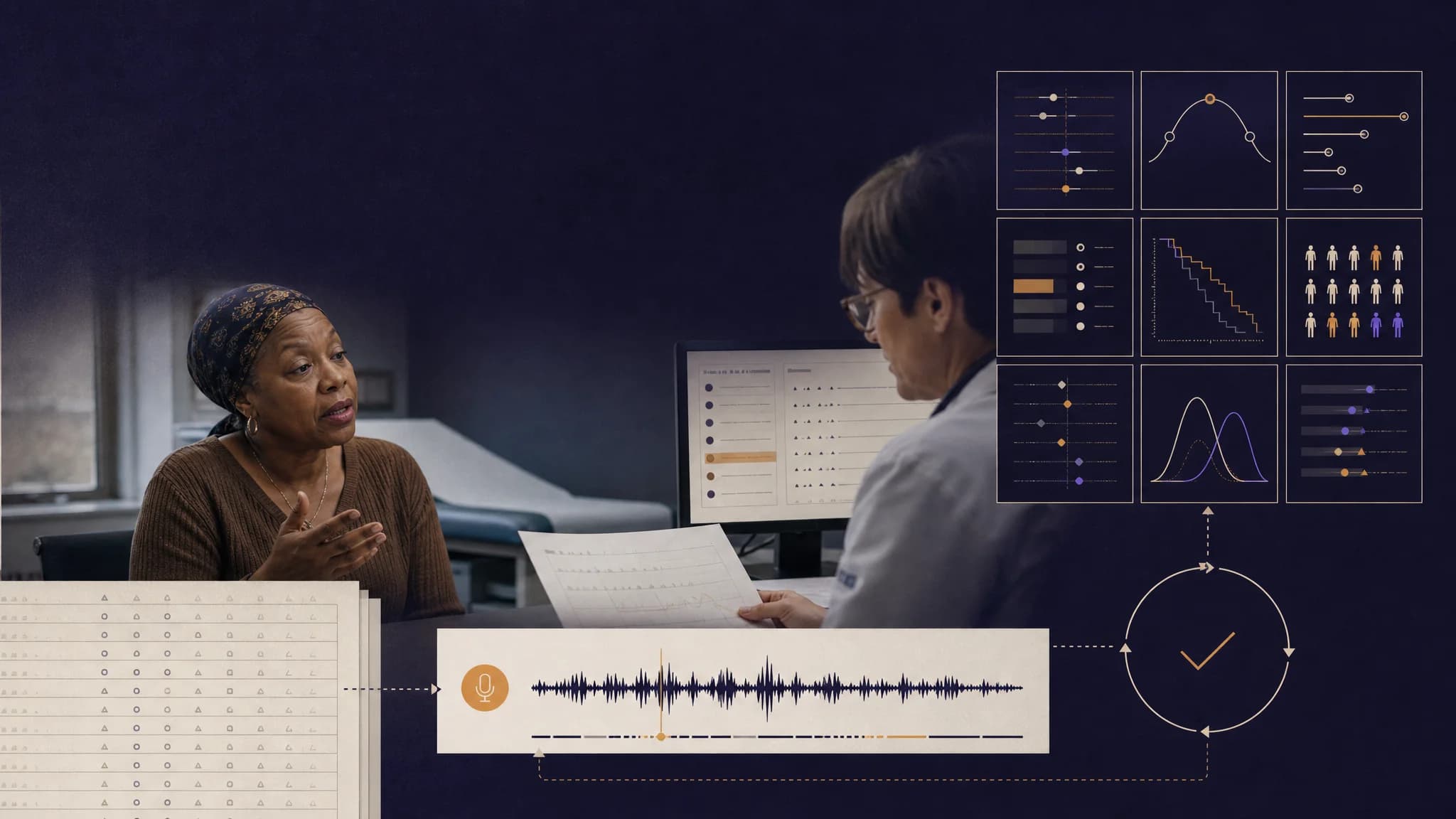
This week we closed that gap. When a patient submits a PRO-CTCAE check-in, the full CTCAE master workflow runs on it automatically, producing a grade proposal the clinician can review, edit, and sign off on with a 21 CFR Part 11 e-signature. Both sides of the platform, patient and provider, now operate on the same grading pipeline.
Here is what shipped, why it matters, and what is next.
Feature Highlight 1: PRO-CTCAE to CTCAE master workflow bridge
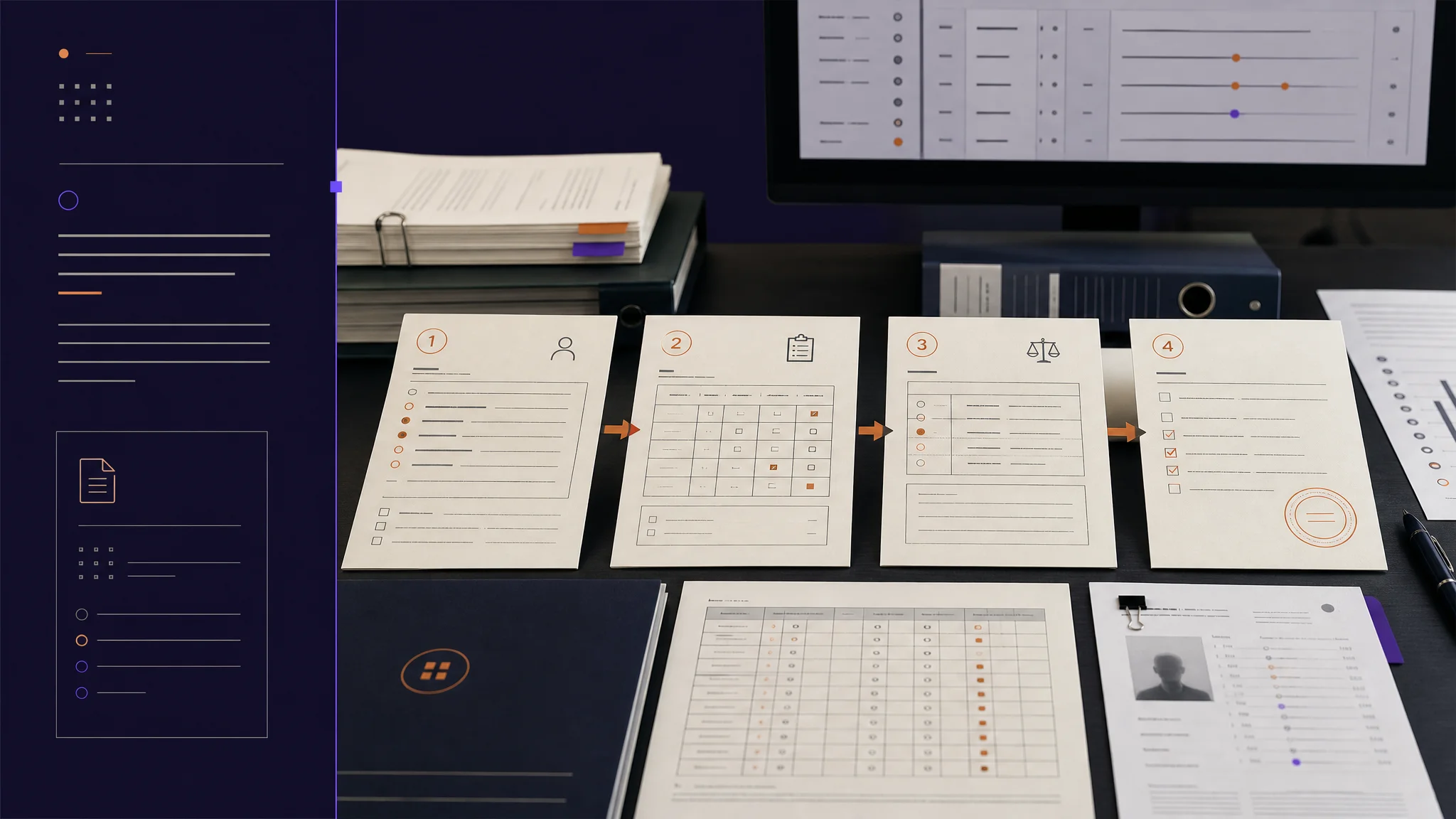
When a patient hits submit on their symptom check-in, two workflows now run in parallel on the same submission. The existing symptom-management workflow handles triage and care-team recommendations. The new bridge runs the full seven-step CTCAE grading pipeline on the same data.
Under the surface, a structured helper converts the patient's frequency, severity, and interference scores into the clinical-note shape the grading pipeline expects. A new internal action fetches the submission context, runs the pipeline, and patches the submission state with the resulting grade proposal.
Two new mutations sit on top:
- A token-gated mutation that lets the patient app trigger grading on submission
- An authenticated clinician sign-off that records a SHA-256 e-signature with an immutability check
On the provider web, we rebuilt the Symptom Management area with a list page (Overview, All Submissions, Alerts, eCRF Status tabs) and a detail page that shows the AI grade, an edit dialog, the grade definitions, and the sign-off flow. Grade badges use the same color language as the rest of the app.
On the patient mobile app, submission fires both workflows fire-and-forget, so grading failures never block navigation.
Why it matters: patient PROs are no longer a second-class input. They run through the exact same grading pipeline as clinician-entered events, with the clinician firmly in the loop for final grade approval, citation review, and e-signature.
Feature Highlight 2: Reissue PRO enrollment tokens
Coordinators can now reissue a PRO-CTCAE enrollment token directly from the provider app. The new dialog invalidates prior tokens for a patient, generates a fresh one, and sends a branded email with the updated access link.
Behind the dialog are new mutations, updated trial queries, and a shared hook that any provider surface can use to reissue.
Why it matters: patient drop-off between visits is often an artifact of a lost invite, not lost interest. Reissuing a token takes seconds now, not a support ticket. The downstream effect is more complete PRO data and less coordinator friction.
Feature Highlight 3: Mobile polish and App Store readiness
Two mobile updates land together this week to harden both apps.
Provider mobile: theme toggle in settings with full dark-mode parity across the legal pages, the home, and the workflow screens. Replaced the free-text location input with a native state-selector picker. Added a five-minute polling timeout on workflow progress with a clear retry message. Home screen FlatList scrolls to the top when the alphabet letter changes. The Add-Patient bottom sheet footer actions are now always visible instead of appearing only after patient selection. For App Store review, removed stray identifier files, tightened the build configuration, and centralized support endpoints.
Patient mobile: the Add Diary Entry screen now renders a "no active trial" gate that routes users to enrollment rather than a generic error. The home screen greets the patient by the EHR profile first name rather than the auth account name. Safe-area handling unified so spacing is consistent across notched and non-notched devices. Help navigation switched from push to navigate to stop duplicate route stacking. Link Profile screen lost its double-padding. Unreachable help links were removed.
Why it matters: the mobile apps are where clinicians and patients actually live in the field. Every inch of polish, from a proper dark mode to a correct trial-enrollment gate, makes the product feel clinical-grade rather than beta.
Improvements and bug fixes
Provider web bug sweep landed alongside the new features:
- CTCAE search help dialog finally does something when clicked
- New Drug Attribution column in the patient AE modal links back to the encounter
- Workflow "View full output" is now a readable tree instead of a raw JSON dump
- Resend OTP on signup is fully wired with loading state and toast feedback
- Date-of-birth input switched to a native date picker
- Patient list shows a green "Active" badge instead of a dash placeholder
- Drug attribution now shows the actual Kramer category instead of a hardcoded value
- PDF downloads use fetch-then-blob for reliable cross-origin delivery
- Symptom management baseline mapping now includes required functional-impact, duration, onset-date, and associated-symptoms fields
- SAE reporting weight label corrected
- CTCAE search no longer flashes "no results" while the user is still typing
- Gender field now propagates correctly and normalizes to the backend enum
Infrastructure work also bumped and aligned the mobile build toolchain across both apps, so the mobile build is stable again.
Customer impact
The throughline this week: patient PRO data and clinician grading now share one pipeline.
The message for trial sites and sponsors is straightforward. You no longer have to choose between richer patient self-reporting and rigorous CTCAE grading. You can have both, cited, signed, and auditable.
Looking Ahead
Next: analytics on how often AI-proposed grades on PRO submissions are accepted versus edited at sign-off, and polish on the Symptom Management alerts tab.
AI suggests, clinicians decide. Human-in-the-loop, always.