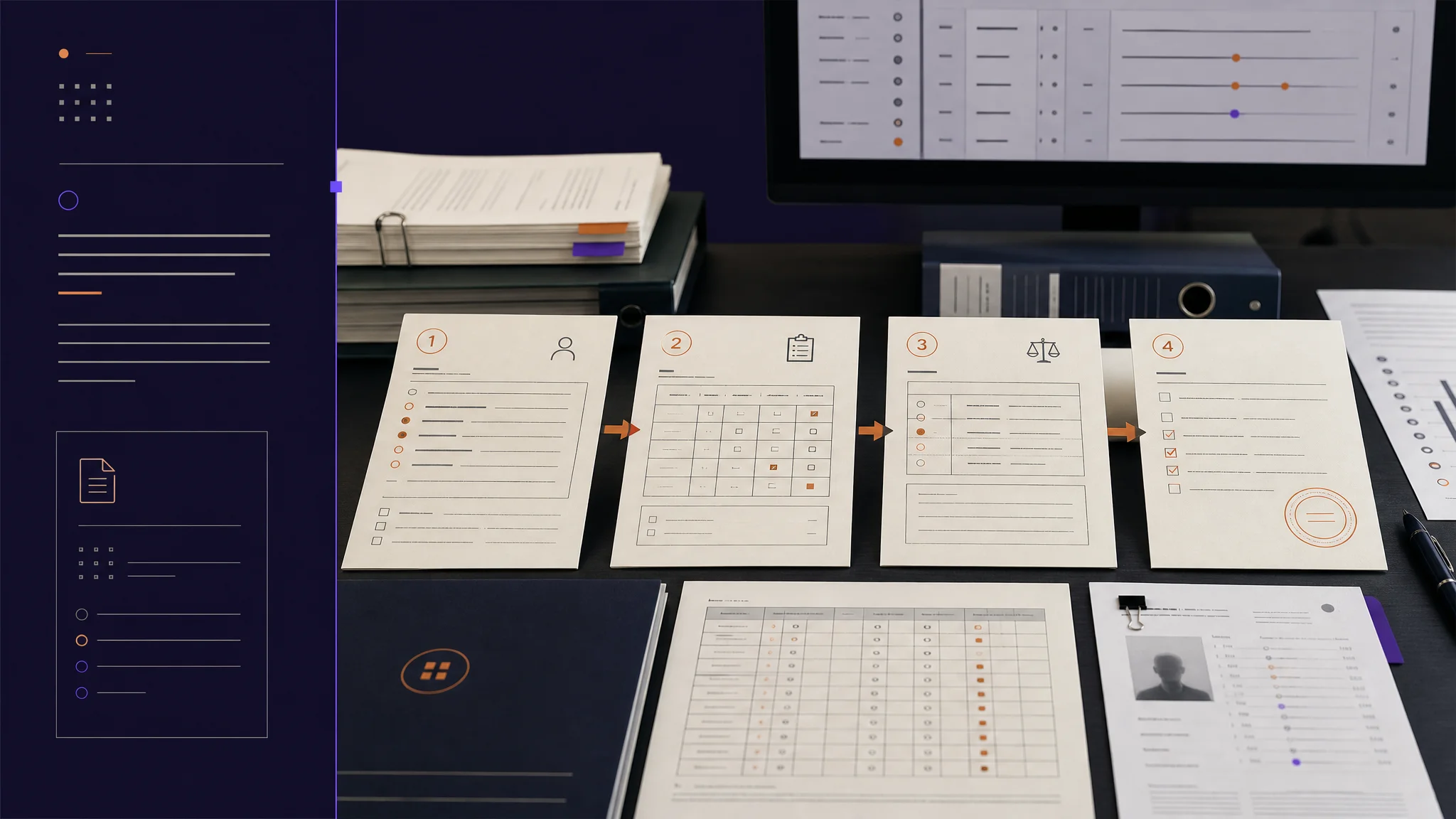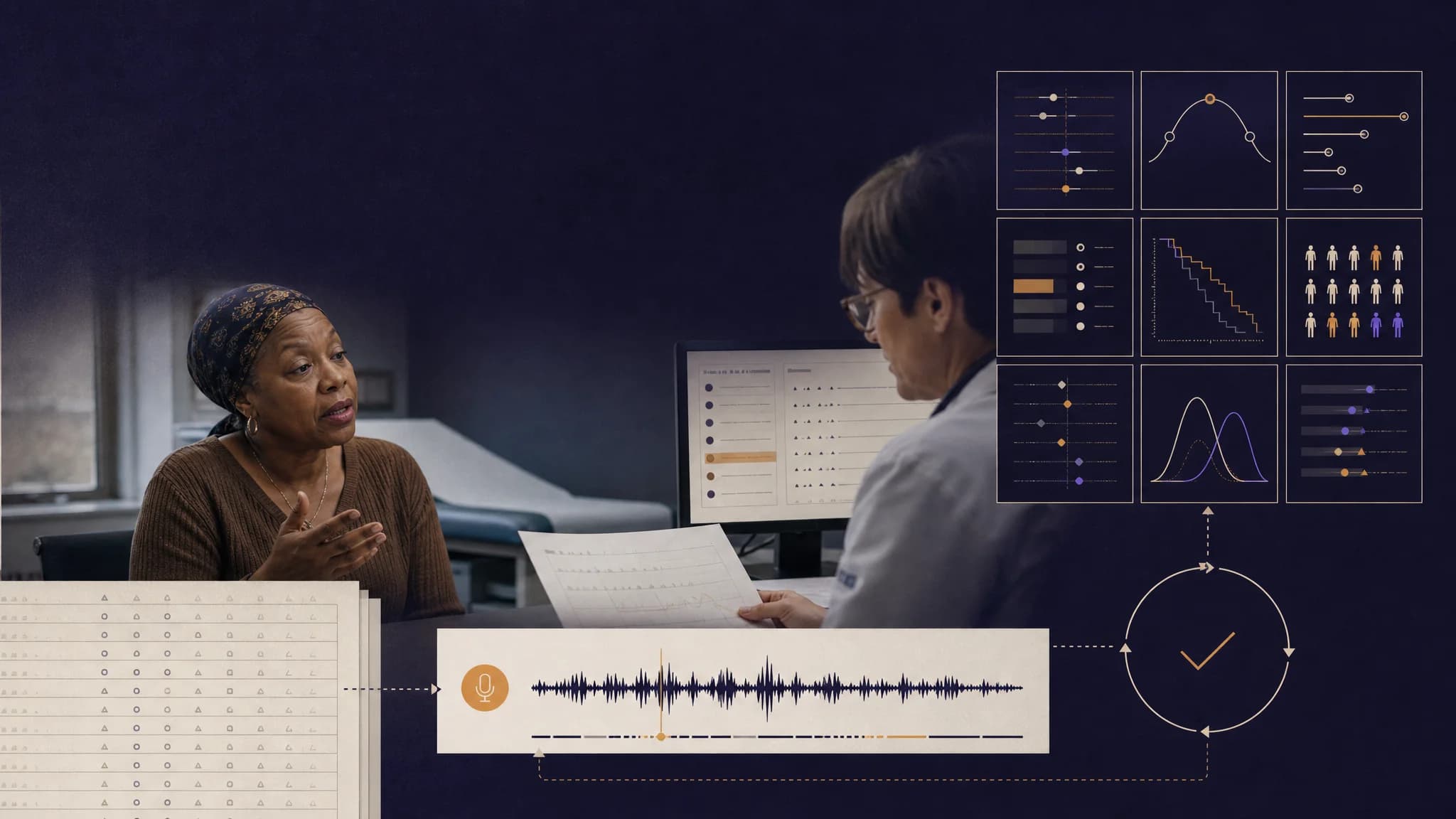
Copy-forward in oncology grading is a quiet failure mode. The same grade gets reused encounter after encounter without re-assessment, and the chart alone often cannot tell you whether the lack of change is real or an artifact of how the work gets done. This week we put the patient's voice into that detection loop.
A Week About Evidence: Treating the Patient's Voice as a First-Class Stream
Copy-forward in oncology grading is a quiet failure mode. The same grade gets reused encounter after encounter without re-assessment, the chart looks consistent, and nothing about the documentation itself signals a problem. The signal that something is being copied forward usually comes from outside the chart: from the patient saying they feel different than what is documented, from a treatment change with no symptom delta, from a protocol shift that did not flow into the grade. Detecting copy-forward from the chart alone gets you four of the five signals you want. The fifth needs the patient.
This week we put the patient's self-report into the same memory resource that holds clinician grading. The copy-forward detection pipeline now reads both streams side by side and triggers when they diverge. The structural commitment is small to state and consequential in practice: in oncology safety, the patient is a peer source of evidence, not a separate workflow.
Alongside copy-forward v2.0, the recording pipeline became resilient to the failure modes that used to leave clinicians stranded, the marketing site picked up a library of nine animated figures showing the architecture, and the Care Journal marketing site went live for patients and families.
Here is what shipped, why it matters, and what is next.
Feature Highlight 1: Copy-Forward Detection v2.0 With Dual-Stream Observational Memory
The architecture is direct. Both clinician grading and patient PRO check-ins now write into the same per-patient memory resource. The detection workflow retrieves all observations for a patient, counts the clinician sources and the patient sources, and runs five detection signals across the combined evidence:
- Grade stagnation across three or more visits unchanged
- Evidence repetition where successive grading rationales pass a similarity threshold
- Temporal implausibility where the treatment changed but the grade did not
- Missing re-assessment where no new clinical data accompanies a grade
- Patient-reported divergence where the patient's self-report trajectory disagrees with the clinician's grade trajectory
The fifth signal is the one that needed dual-stream ingestion to exist. When the patient reports symptoms easing and the clinician grade has held steady for three visits, the workflow flags this with high confidence. When the patient reports symptoms worsening and the grade has not moved, the same. Alerts surface only when two or more signals fire with confidence at or above the configurable floor, so the pipeline stays conservative.
Two design choices are worth naming. The provider-side integration is fire-and-forget, so detection cannot be canceled by the clinician navigating away from the encounter page. And the patient stream ingests asynchronously from the existing symptom management flow, so PRO submission stays fast for patients even as the safety pipeline runs underneath it.
[Image: Provider app screenshot showing a copy-forward alert with the patient-divergence signal highlighted alongside the clinician-grade timeline]
Why it matters: Copy-forward is the failure mode that is easiest to miss on a monitor visit and hardest to argue with after the fact. Surfacing it before the next encounter, with the patient's voice as part of the evidence, is the kind of detection that no single-stream pipeline can do. It is also a structural answer to the question of what the patient self-report is actually for in a safety workflow: it is not a separate database the chart ignores, it is part of the same evidence picture the grading agent reasons over.
Feature Highlight 2: A Recording Pipeline That Fails Gracefully
Until this week, the recording flow on the provider app bundled four concerns in one place: capturing the audio, uploading the file, triggering the downstream grading workflow, and navigating the user. When any one of those failed, the whole sequence could hang or silently retry forever. On a slow network, that meant a clinician staring at a frozen screen mid-encounter.
This week we separated the concerns. The recording surface now focuses on reliable audio capture and submission. The grading workflow trigger runs downstream. Three resilience patterns landed alongside the separation:
- A 45-second timeout safety valve catches hung submissions and surfaces a clean error instead of leaving the UI frozen.
- Codec negotiation falls back through a chain of supported formats so browser variance does not break recording for individual users.
- Upload errors are classified explicitly into authentication, network, and server categories, so retry policy and observability can act on the actual failure mode.
Why it matters: The recording surface is the entry point for every voice-captured encounter on Burna AI. A flow that hangs silently on a 1% network glitch costs more clinician trust than the underlying AI ever earns back. The new shape is calmer for the user, more testable for the team, and easier to reason about end to end.
Feature Highlight 3: Nine Animated Figures Ship Across the Audience Landings
Until this week, the Burna AI public site communicated its architecture through static videos and screenshots. That kept marketing tightly coupled to recording sessions and made architecture updates expensive to reflect on the site. This week we replaced the static assets with a library of nine animated figures, each deployed to the audience landing where it earns its keep:
- The Boundary: a particle visualization of data residency, on the cancer centers landing.
- The Grading Process: a three-column clinical workbench with citation tracing, on the clinicians landing.
- Live Cascade: the twelve-agent directed acyclic graph with particle convergence, on the engine and investors landings.
- The Work: a before-and-after comparison showing 17-to-2 minute time savings on a clinician's adverse event workflow, on the clinicians and cancer centers landings.
- Postmarket PV: a four-stage pharmacovigilance pipeline, on the postmarket, pharma, and pharmacovigilance landings.
- The Lifecycle: a 20-year drug safety timeline with glow animation, on postmarket and pharma.
- The Flywheel: a CRO market distribution cycle, on the CROs and investors landings.
- The Memory and The Guardrails mounted in the
/demosgallery for direct linking.
The gallery itself sits at /demos with sticky table-of-contents navigation and per-figure deep links so a sales or design conversation can land on a single figure with one URL.
Why it matters: These ship as components, not as assets. When the architecture changes, the figures change with it. The cost of keeping marketing in sync with what shipped drops by a meaningful amount, and audience-specific landings get a visual that is actually about their workflow.
Feature Highlight 4: The Care Journal Marketing Site Goes Live
Care Journal now has its own marketing site at web_carejournal, built from the canonical product specs in docs/care_journal/. Fourteen pages cover the patient and family story: home, how it works, families and caregivers, trial patients, clinicians, trust and privacy, about, voices, what is new, FAQs, support, careers, privacy notice, terms of service. The design system is paper-only (cream surfaces, ink type, amber accents) with no dark variants, which is the right register for the audience.
Underneath, the site reuses the Burna AI marketing component library through a compatibility shim and a Care Journal navigation, so a fix to the shared marketing components flows to both sites. Typography also shifted across both marketing sites and the patient app from Newsreader to Instrument Serif this week.
Improvements
- Patient app check-in flow polished: dynamic next-check-in computation from the PRO submission response (defaulting to one week out when no scheduled date is present), corrected card sizing and safe-area padding across enrollment success, review, and completion screens, and the "Return to Home" button moved inside the scrollable region for accessibility on small devices.
- WCAG AA dark mode contrast on patient auth: muted foreground color migrated from a 3.2:1 ratio to a 5.5:1 ratio, with safe area handling for notched devices so the help button no longer collides with the status bar.
- CORS hardening: trusted origins moved from wildcard patterns to an explicit subdomain allowlist. Future domain additions are now visible in code review.
- Internationalization hygiene: two new scripts catch hardcoded user-facing strings and orphaned translation keys across the provider, patient, and shared feature packages. The full Arabic and Mandarin translation refresh from the previous batch landed in the same change.
Behind the Scenes
- Local development environment now ships with a full local object storage substitute and a local analytics container, so the file upload, recording, and analytics pipelines can be exercised end to end without touching cloud infrastructure.
- Docker build performance improved roughly 15 to 20 percent on first-run builds, and the intermittent 5 to 10 percent build failure rate dropped to near zero through explicit linker selection, a retry wrapper around the package install, and a tighter workspace-copy step.
- Brand consistency: 224 files across 31 packages now use the "specialized agents" terminology and the proper "Twelve specialized agents in a patented cascading constraint pipeline" capitalization. The configuration namespace migration from the legacy domain to
burnaaiis also complete.
Customer Impact
Across this week's seventeen substantive items, the headline outcomes are:
- Copy-forward detection now reads the patient and the clinician as one combined evidence picture. The signal that needs the patient to exist actually fires.
- The recording flow no longer hangs silently on slow networks or unfamiliar browsers. Clinicians get a clean error in 45 seconds and a working codec under the hood.
- Audience-specific marketing landings now carry animated architecture figures that ship as components, not assets, so the marketing site stays in sync with what actually shipped.
- Care Journal has its own marketing site, in its own register, for its own audience.
Looking Ahead
The copy-forward work this week is a foundation. Two near-term follow-ons we are scoping:
- A configurable alert threshold UI per trial, so research teams with high-acuity protocols can tune detection sensitivity to their population.
- Observability for the recording pipeline, including dashboards that report codec fallback rates and timeout incidence so we can catch browser-variance regressions before clinicians do.
We will also continue the dual-stream pattern outside of copy-forward, into other places where the patient's voice belongs in the evidence loop and is currently sitting in a separate workflow.
Try It
If you are running an oncology trial and you want to see what copy-forward detection looks like when both clinician grades and patient self-reports are in the same evidence picture, the fastest path is to walk through a multi-visit grading sequence on a patient with active PRO submission. Send us feedback at hello@burna.ai, or book time at calendly.com/burna.
The principle stays the same. AI suggests, clinicians decide. Human-in-the-loop, always. This week the AI got a way to hear the patient when the chart was repeating itself.